Make Dynamics 365 fit your business, and connect it to everything elseDynamics 365 integration and custom development
When standard features fall short, our developers extend Dynamics 365 to match the way you work, and connect it to the other systems you rely on, so data moves once and everyone sees the same numbers.
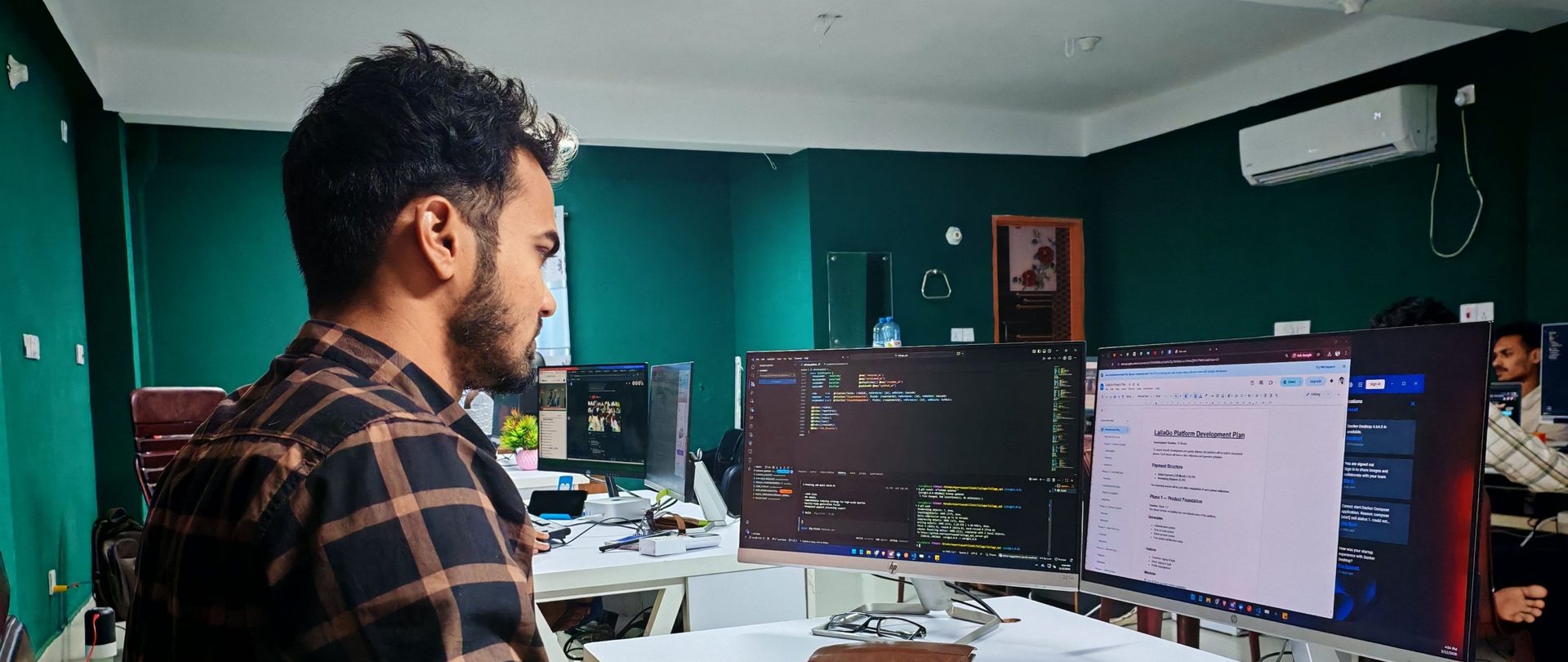
From a few new fields to a whole new module
Dynamics 365 is highly configurable, but no standard system fits every business. We build extensions for Finance & Operations and Business Central that close the gaps, using Microsoft's extension model so your changes survive updates. Through TSL Labs, our own product team, we also build ready-made apps for common needs.
- ✓Small changes, such as new fields, lists and reports
- ✓New modules and features, such as rentals, approvals or asset maintenance
- ✓Custom workflows in code or with Power Automate
- ✓Role centers, workspaces and dashboards tailored for each team
- 01Find the gapWe start with the process, and check whether standard features or configuration can do the job before writing any code.
- 02Design and planA short design that sets out what will change, how it will work and what it will cost, agreed before we build.
- 03Build and testExtensions written in AL for Business Central and X++ for Finance & Operations, then tested with your own scenarios.
- 04Train and supportYour users learn the new feature, and we keep it working through every Microsoft update.
Connect Dynamics 365 to the systems that run your business
Disconnected systems mean duplicate entry, delays and reports nobody trusts. We connect Finance & Operations and Business Central to your other applications, in real time or on a schedule, in the cloud or on-premises.
- ✓One version of the truth, with the same data in every system
- ✓No more typing the same order, invoice or timesheet twice
- ✓Fewer errors and faster finance, sales and operations
- ✓A full view of each customer, from first contact to after-sales service
- 01Map the dataWhich systems, which records, in which direction and how often, agreed with the people who use them.
- 02Choose the approachStandard connectors and APIs first, Power Platform or middleware where they fit, custom code only when needed.
- 03Build securelyRole-based access and token authentication, with errors logged and easy for your team to find and fix.
- 04Monitor and supportWe watch the connection after go-live and keep it working as both systems change.
If your business runs on it, we can connect it
Every integration is planned around your systems and data. These are the kinds of systems we connect to Dynamics 365 most often.