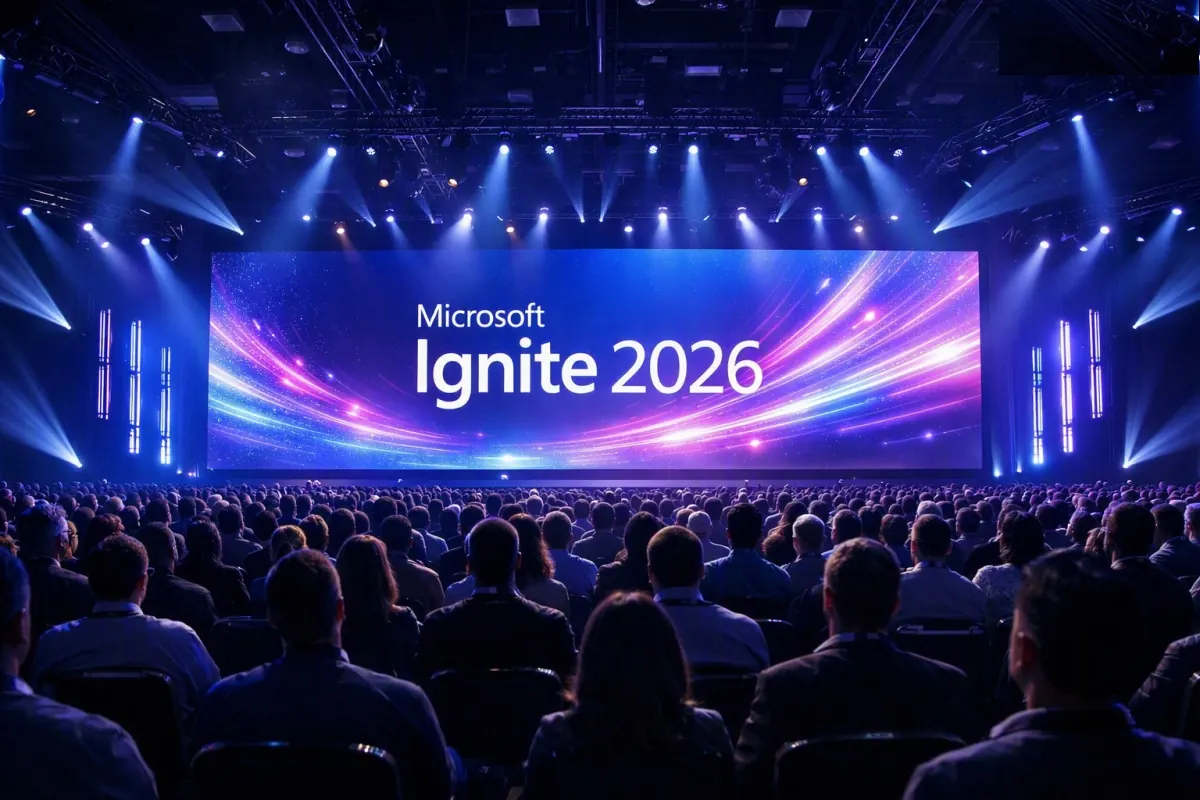
Microsoft Ignite 2026 ran from 17 to 20 November in San Francisco and online. The thread running through almost every announcement: Copilot is no longer a chat window bolted onto Office. Microsoft is turning it into the place where work starts, one home for quick questions, delegated work, business applications and agents.
For organizations running Dynamics 365 Finance & Operations, Business Central, Power BI and Microsoft 365, that changes how people will reach business data, how internal tools get built, and how AI has to be governed and paid for. Here is our summary of what was announced, what you can use today, and what it means for your ERP.
At a glance: what's available and when
Many Ignite features start in Microsoft's Frontier early-access program or in preview. This is the status Microsoft gave at the event.
| Announcement | Status at Ignite 2026 |
|---|---|
| Copilot Home (Chat and Cowork together) | Generally available |
| Office in Copilot (Word, Excel and PowerPoint inside Copilot) | Generally available |
| Copilot Managed Runtime | Generally available |
| Copilot Code | Frontier now; general availability planned for December 2026 |
| Copilot Workspaces and Autopilot | Frontier |
| Today (daily briefing) | Private preview |
| Dynamics 365 Sales and Customer Service plugins | Generally available |
| Salesforce in Copilot (Copilotforce) | Public preview |
| Fabric HorizonDB | Public preview |
| Microsoft Perception | Generally available |
| Agent 365 dynamic agent risk and Cost Management | Preview |
1. Copilot Home: one starting point for work
Home is the new front door of the Copilot app. It puts Chat (quick questions and answers) and Cowork (handing off a whole multi-step piece of work) behind a single box, so people no longer have to decide where a request belongs.
- Auto routing. Auto chooses the model and the amount of effort for each request, balancing quality, speed and cost. When a chat request turns into a bigger job, Auto can suggest moving it to Cowork; if the user agrees, the task and its context carry across.
- Office in Copilot. Word, Excel and PowerPoint now open inside the Copilot app, so documents can be drafted and edited without switching windows. It is generally available and included in the Copilot subscription licence.
- Today. A briefing that pulls together mail, calendar, Teams threads, meetings and tasks and keeps refreshing through the day. It is in private preview.
- Workspaces and Autopilot. Workspaces evolves Copilot Notebooks into a shared space where a team and its agents work from the same files and context. Autopilot is a long-running personal agent; colleagues will be able to @mention someone's Autopilot in a Teams channel or chat, and its actions run under its own agent ID, visible to administrators. Both are in Frontier.
2. Microsoft IQ: grounding AI in how your business works
An AI assistant is only as good as the context it can reach. Microsoft IQ is Microsoft's name for that context layer. It combines four parts with more than 350 third-party connectors:
| Layer | What it brings to Copilot and agents |
|---|---|
| Work IQ | Workplace context: email, Teams conversations, meetings, calendars and files in SharePoint and OneDrive, within each person's access |
| Fabric IQ | The live state of the business: shared definitions, metrics and relationships modelled in Microsoft Fabric and Power BI |
| Foundry IQ | Curated company knowledge such as policies, authoritative documents and reusable knowledge bases |
| Web IQ | Fresh public information from the web, built on Bing's search technology |
Fabric IQ news matters most for ERP teams. Power BI semantic models are already available in Copilot, Fabric data agents are coming to Copilot, and Fabric IQ in Excel's Edit with Copilot is in preview.
The practical point: if your Dynamics 365 data and your agreed business definitions (what "net revenue" or "on-time delivery" means) live in Fabric, Copilot can reason with them consistently. For Finance & Operations, Microsoft's Fabric link already brings ERP tables into OneLake without building a separate data warehouse.
3. Plugins and skills: Dynamics 365 and Salesforce inside Copilot
Instead of jumping between forms, dashboards and tabs, people increasingly work with business systems from inside Copilot through plugins. A plugin packages skills (step-by-step instructions for a task) with the connections it needs, and a new plugin catalog and registry let administrators decide which plugins and skills their organization can use. More than 100 plugins were already available ahead of Ignite.
Dynamics 365. The Dynamics 365 Sales and Customer Service plugins are generally available, and Microsoft is adding plugins for its ERP applications. Microsoft cited 57 CRM skills and 39 finance and operations skills available through the plugins, with more on the way. Sellers can review pipeline and prepare for meetings, and service teams can work cases, without opening the Dynamics 365 app.
Copilotforce: Salesforce joins in. In a notable move between long-time rivals, Microsoft and Salesforce announced Copilotforce at Ignite:
- Salesforce in Copilot, a plugin in public preview with more than 38 prebuilt sales skills such as pipeline reviews, deal planning, customer health and renewal tracking. Changes written back to Salesforce need the user's explicit confirmation.
- Sales Cloud in Teams, currently in pilot.
- Zero-copy data sharing in both directions between Salesforce Data 360 and Microsoft Fabric OneLake, without duplicating datasets.
For companies that run Salesforce alongside Microsoft 365, deal context and work context can now meet in the same Copilot conversation.
4. Building apps and modernizing the estate
- Copilot Code turns a plain-language description into apps, dashboards and widgets. It is in Frontier now, with general availability planned for December.
- Copilot Managed Runtime is generally available: a Microsoft-managed environment to host, run and govern apps built in Copilot Code, Cowork, Copilot Studio and compatible third-party tools.
- Azure Catalyst brings agent-led modernization together in one experience, from mapping the estate down to the code.
- PostgreSQL in two places: Azure HorizonDB is generally available for mission-critical workloads, and the new Fabric HorizonDB (public preview) connects PostgreSQL applications directly to analytics and AI in Fabric.
5. Governance, cost and security for an agent workforce
As agents move from answering questions to taking actions, Microsoft spent much of Ignite on control:
- Agent 365 governance. Microsoft says more than 50 million agents have been registered in Agent 365 since its May 2026 launch. New this time: a continuously updated view of agent risk (preview) across the Microsoft 365 admin center, Defender, Entra and Purview, and automatic discovery of local and "shadow" agents, which receive a Microsoft Entra Agent ID and can be governed with Conditional Access.
- Cost control (FinOps for AI). Agent 365 Cost Management (preview) gives one place for spending, limits and alerts across usage-based services such as Copilot Cowork, Copilot Studio and agents. Cowork also adds analytics on the business value of the work it does.
- Security at machine speed. Microsoft Perception, formerly Project Perception, is now generally available. It coordinates AI security agents across detection, investigation and remediation in Defender, Sentinel, Entra, Purview and Intune, and it supports Microsoft's own MAI-Cyber security models.
What this means for your Dynamics 365 strategy
The message from Ignite 2026 is clear: the value no longer comes from isolated AI pilots. It comes from connecting your ERP, CRM and data into a governed layer that Copilot and agents can rely on. In practice, that means:
- Fix the data first. Copilot's answers about your business are only as reliable as your master data and your definitions. Clean customers, vendors and items, and agree how key figures are calculated.
- Bring ERP data into Fabric. A Fabric and Power BI foundation is what Fabric IQ and Copilot will draw on.
- Decide which plugins and skills to allow before people start using them, and review security roles in Dynamics 365 so agents only see what each user should see.
- Budget for usage-based AI. Cowork and agents are metered. Set limits and alerts from day one, and track business outcomes, not just usage.
- Start with one process. Month-end variance commentary, pipeline reviews or service case summaries are good first candidates, and they show value quickly.
Frequently asked questions
What does Microsoft mean by positioning Copilot as the "operating system for work"?
At Ignite 2026, Microsoft made Copilot Home generally available as one starting point for work. Home brings Chat (quick questions) and Cowork (handing off a multi-step piece of work) together behind one box, and Office in Copilot lets people create and edit Word, Excel and PowerPoint files in the same place. Today, a daily briefing inside Home, is in private preview, and plugins bring business systems such as Dynamics 365 and Salesforce into Copilot.
How does Microsoft IQ connect Dynamics 365 and Power BI data to Copilot?
Microsoft IQ is the context layer behind Copilot and agents. It has four parts, Work IQ, Fabric IQ, Foundry IQ and Web IQ, with more than 350 third-party connectors. Fabric IQ uses the shared definitions, metrics and relationships modelled in Microsoft Fabric and Power BI, so Copilot reasons with your business figures consistently. For Dynamics 365 Finance & Operations, Fabric link already brings ERP tables into OneLake without building a separate data warehouse.
What is Copilotforce, and how do Salesforce and Dynamics 365 work inside Copilot?
Copilotforce is the Microsoft and Salesforce partnership announced at Ignite 2026. It includes Salesforce in Copilot, a plugin in public preview with more than 38 prebuilt sales skills; Salesforce Sales Cloud in Teams, currently in pilot; and zero-copy data sharing between Salesforce Data 360 and Microsoft Fabric OneLake. On the Microsoft side, the Dynamics 365 Sales and Customer Service plugins are generally available with 57 CRM skills between them, and the ERP plugin adds 39 skills for finance and operations, so people can review pipelines, update records and work cases from Copilot without switching applications.
How does Microsoft Agent 365 govern and secure AI agents?
Agent 365 is Microsoft's platform for seeing and governing agents, with more than 50 million agents registered since its May 2026 launch. At Ignite, Microsoft added a continuously updated view of agent risk (preview) across the Microsoft 365 admin center, Defender, Entra and Purview, connections to more agent platforms such as Salesforce Agentforce and Amazon AgentCore, and automatic discovery of local and "shadow" agents. Each agent gets its own Microsoft Entra Agent ID, so it can be governed with Conditional Access.
How can organizations measure AI ROI and control Copilot costs after Ignite 2026?
The Microsoft 365 Copilot user license covers Chat and Copilot in the Office apps, while Cowork, Code, Autopilot and agents are billed by usage. Auto routing picks the model and effort for each request and can recommend moving a larger task from Chat to Cowork. Agent 365 Cost Management (preview) gives one place for spending, limits and alerts across usage-based services, and Cowork adds analytics on the business value of completed work, so you can track outcomes, not just usage.
Features and timelines above are as Microsoft and Salesforce announced them on 17–19 November 2026 and may change before general availability.
Looking to connect Dynamics 365 Finance & Operations or Business Central, Power BI or Microsoft Fabric to your Copilot strategy? Book a consultation or contact Tech Sarwar to talk through your roadmap.
Sources: Microsoft Ignite 2026 Book of News · Copilot at Microsoft Ignite 2026 (Microsoft Copilot blog) · What's new in Copilot Cowork at Ignite 2026 · Introducing the new Microsoft IQ (Azure blog) · Microsoft IQ · Introducing the plugin registry · Salesforce: Copilotforce announcement · MSDynamicsWorld: Ignite 2026 and Dynamics 365 · What's new in Azure at Ignite 2026 · What's new in Microsoft Agent 365: Ignite 2026 · Security for the agentic era: Microsoft Perception